Reporting and Managing Issues

HARP has built-in issue reporting and issue managing tools. Users can submit issues they encounter when pulling requests through the HARP website, or through the Alma widget. Staff can track and manage issues, and leave notes on requests.

Reporting Issues (Webform)

HARP Report Issue Web Form

The HARP Report an Issue Form (step 1)

If a user encounters an error when pulling a requested item, they can report that information by using the webform under the navigation Issues > Report Issue.

HARP Report Issue Web Form Input

The HARP Report an Issue Form (step 2)

Reporting Issues (Alma Widget)

HARP Report Issues Alma Widget

The HARP Report Issues Alma Widget

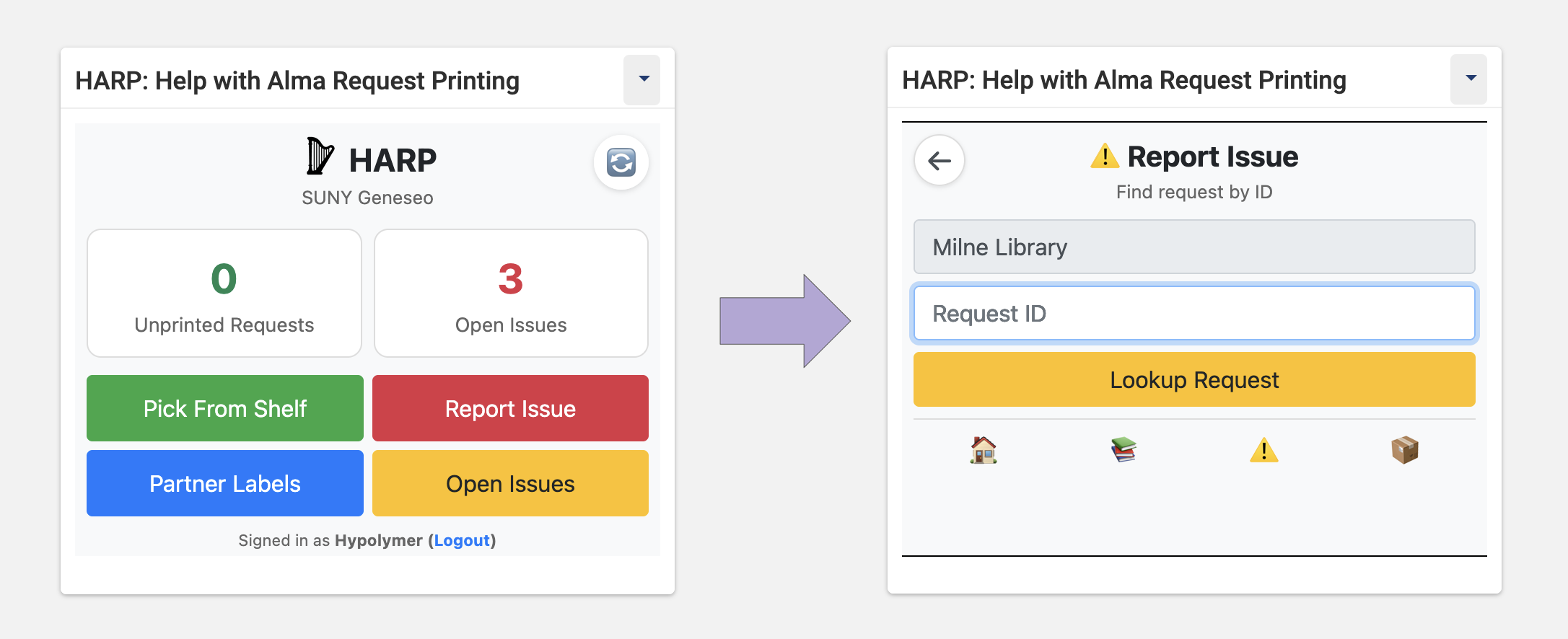
Alternative to the Report Issues web form, users are able to submit issues using the HARP Alma Widget. Staff start by selecting their library (if there are multiple libraries configured) and then inputting the Request ID into the form.
HARP Report Issues Input

The HARP Report Issues Alma Widget (details step)

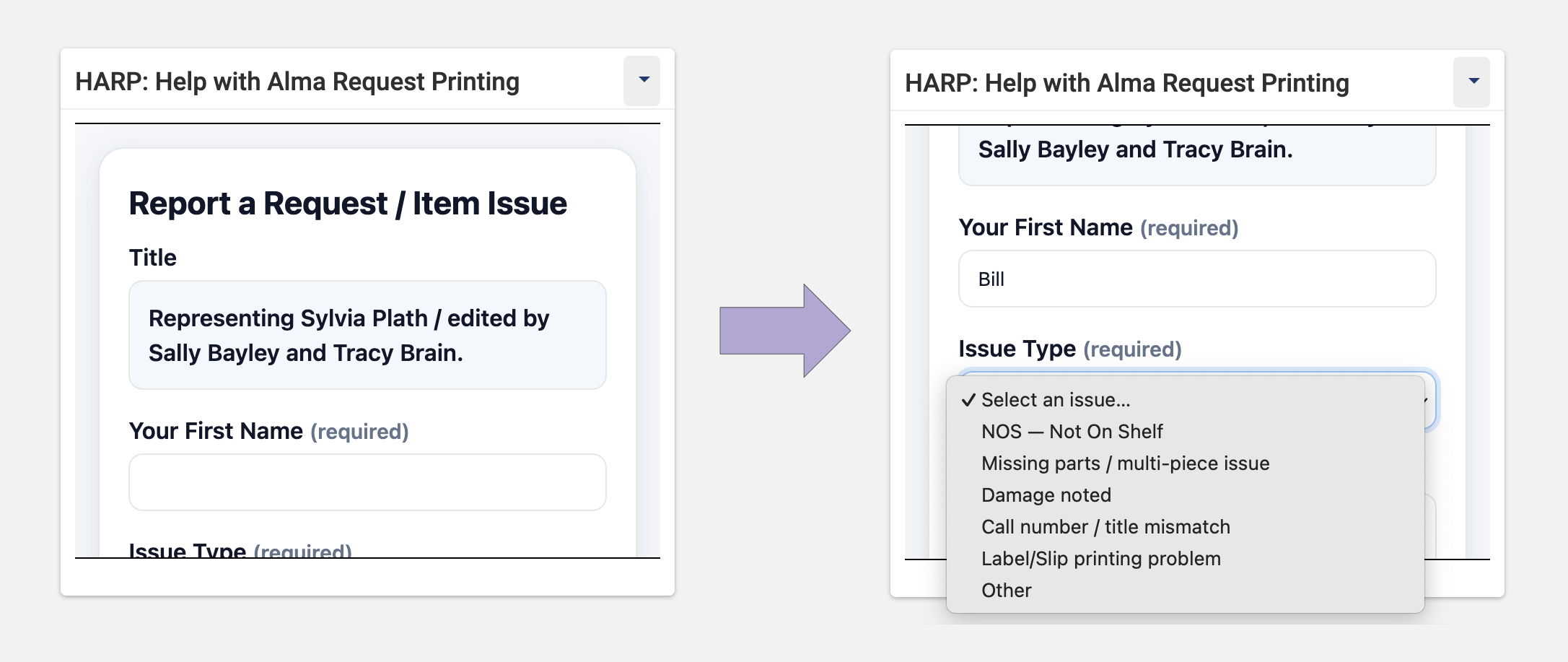
Staff can insert their name and select the issue type from the dropdown menu. When submitting an issue, staff are able to include a descriptive note. If a staff member selects the reason Other from the menu, a note must be supplied with the issue submission.

Reporting Issues (QR Code from Pull Slip)

HARP Report Issues QR Code

The HARP Report Issues (QR Code from Pull Slips)

Staff can also submit an issue by using their smartphone and following the QR Code at the top of the request pull slip. This QR Code uses the HARP form for submitting issues by default and can be configured to work alternatively with Microsoft Forms.

Managing Reported Issues

HARP Manage Issues Menu

The HARP Manage Issues Menu

Staff can manage issues through the navigation menu Issues > View Issues. If a request has a reported issue, it will not appear as a printable request. If a staff member leaves a note on the issue, the request will be printable.

Staff Notes on Pull Slips

HARP Staff Note

The HARP Issues Staff Note

If a staff member has responded to an issue, the request will be printable and that note will appear on the request pull slip.