Getting Started
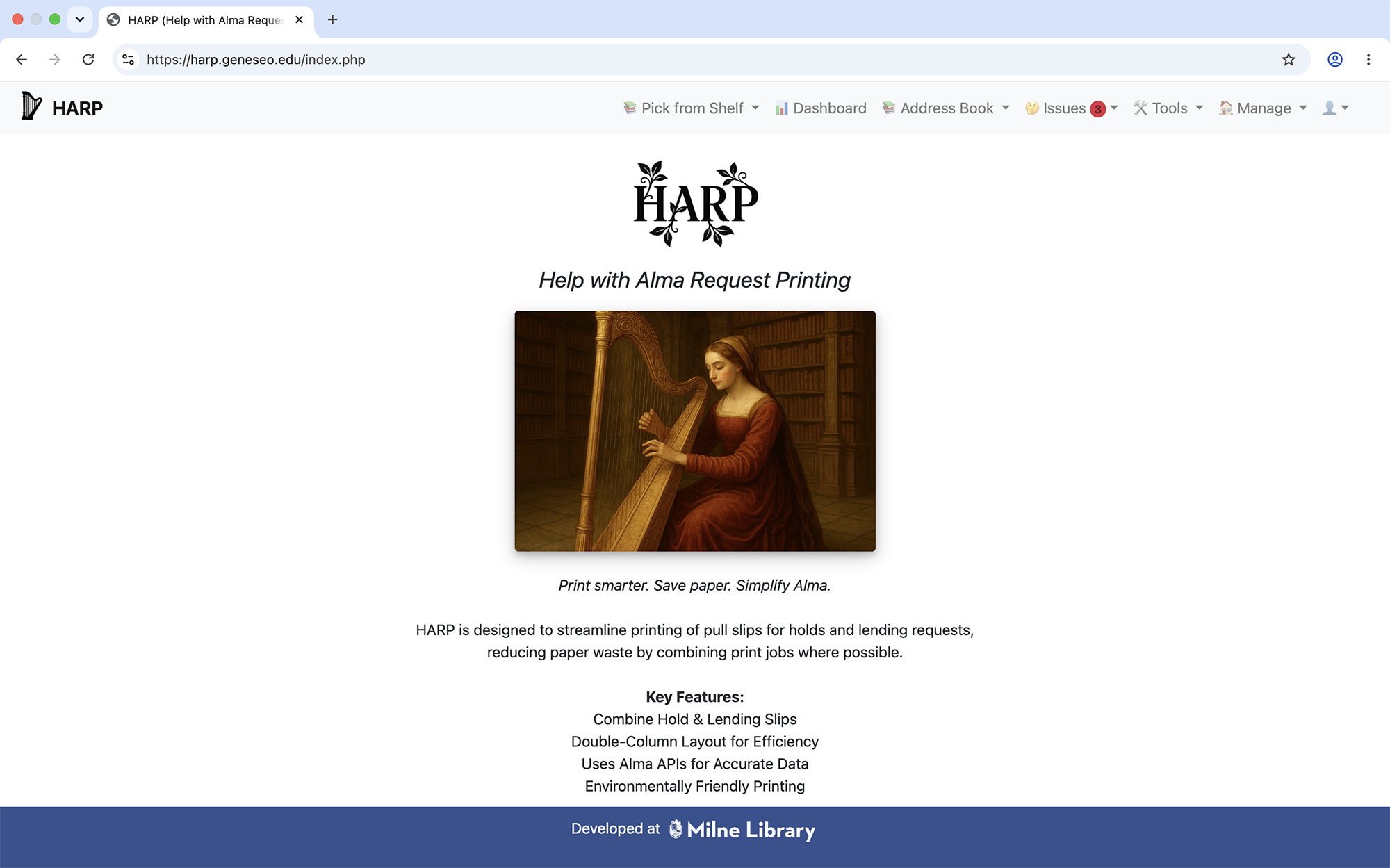
The HARP homepage
Overview
HARP (Help with Alma Request Printing) is a staff-facing tool designed to make
printing lending and hold slips easier, faster, and more reliable.
Who This Is For
This documentation is intended for library staff who work with Alma requests,
as well as technical staff who maintain or extend HARP.
Creating an Account
Please send an email to Bill Jones at jonesw@geneseo.edu to get your account created. If you'd like, Bill can meet with you to help configure your institution within HARP.
API Keys
You will need to acquire the following read-access API keys from the Ex Libris Developer Network in order to use HARP:
- Task Lists API: Needed for retrieving list of active user requested resources and lending requests
- BIBs API: Needed for access to bibliographic records
- Users API: Needed for access to users information (used for shipping labels)
- Partners API: Need for access to Alma resource sharing partners information (used for shipping labels)
You can have individual keys for each API, or you can have one API key associated with multiple APIs.
Once you acquire your API key(s), they need to be input into the Manage > Update Configuration
Your First Successful Print
- Open the HARP Dasboard or Pick from Shelf list
- Select the library you wish to print for
- Apply filters as needed
- Click Print
What’s Next
Explore individual feature pages to learn more about layouts, filtering, and
advanced options.