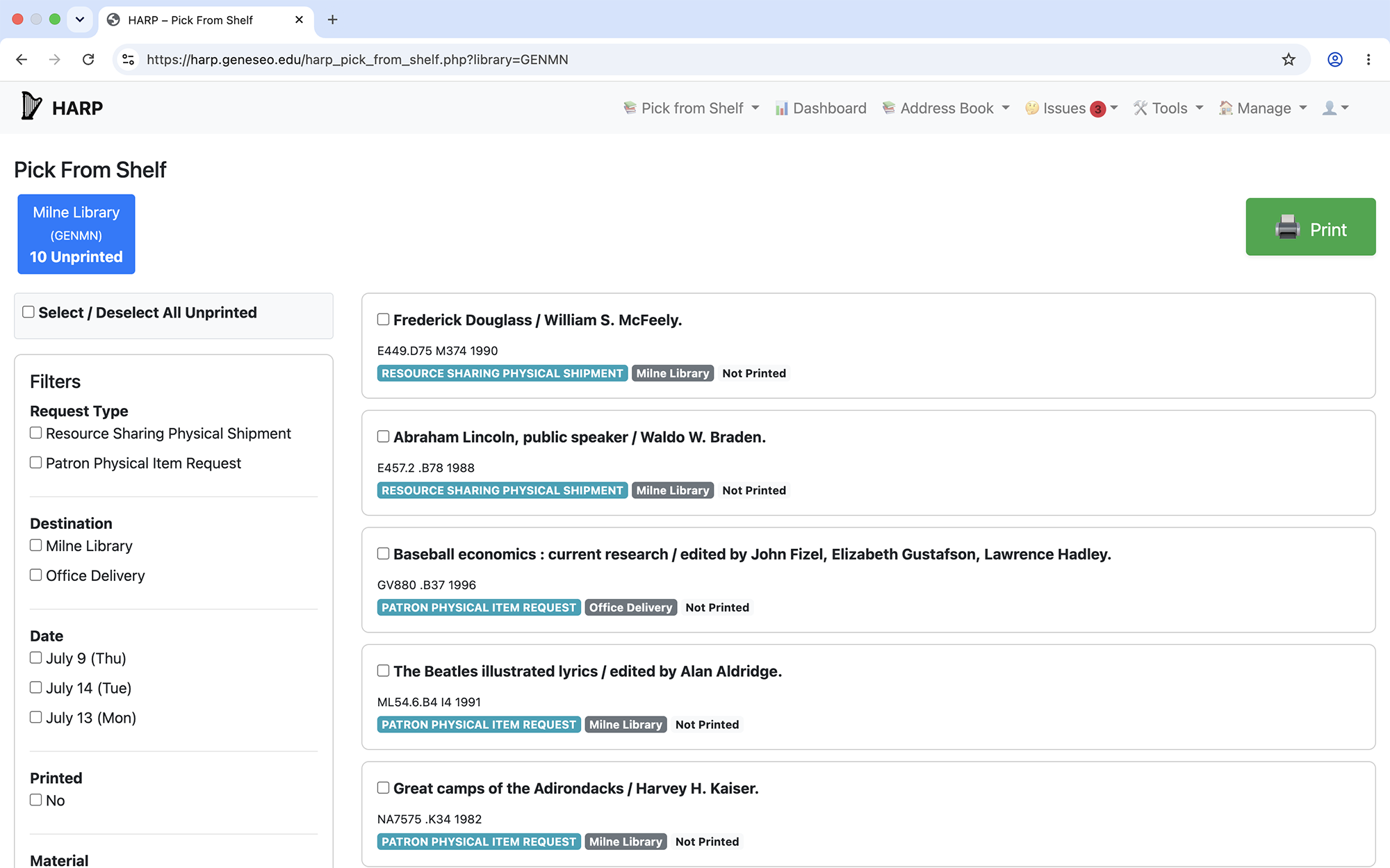
The HARP Pick from Shelf list, showing facets and multiple requests
After selecting Pick from Shelf from the navigation menu, you’ll arrive at an interface where you can filter your requests using facets and print only the pull slips you want. Currently you can use facets for:
If there is more than one library configured for an institution, a button for each library will be present in the Pick from Shelf interface:
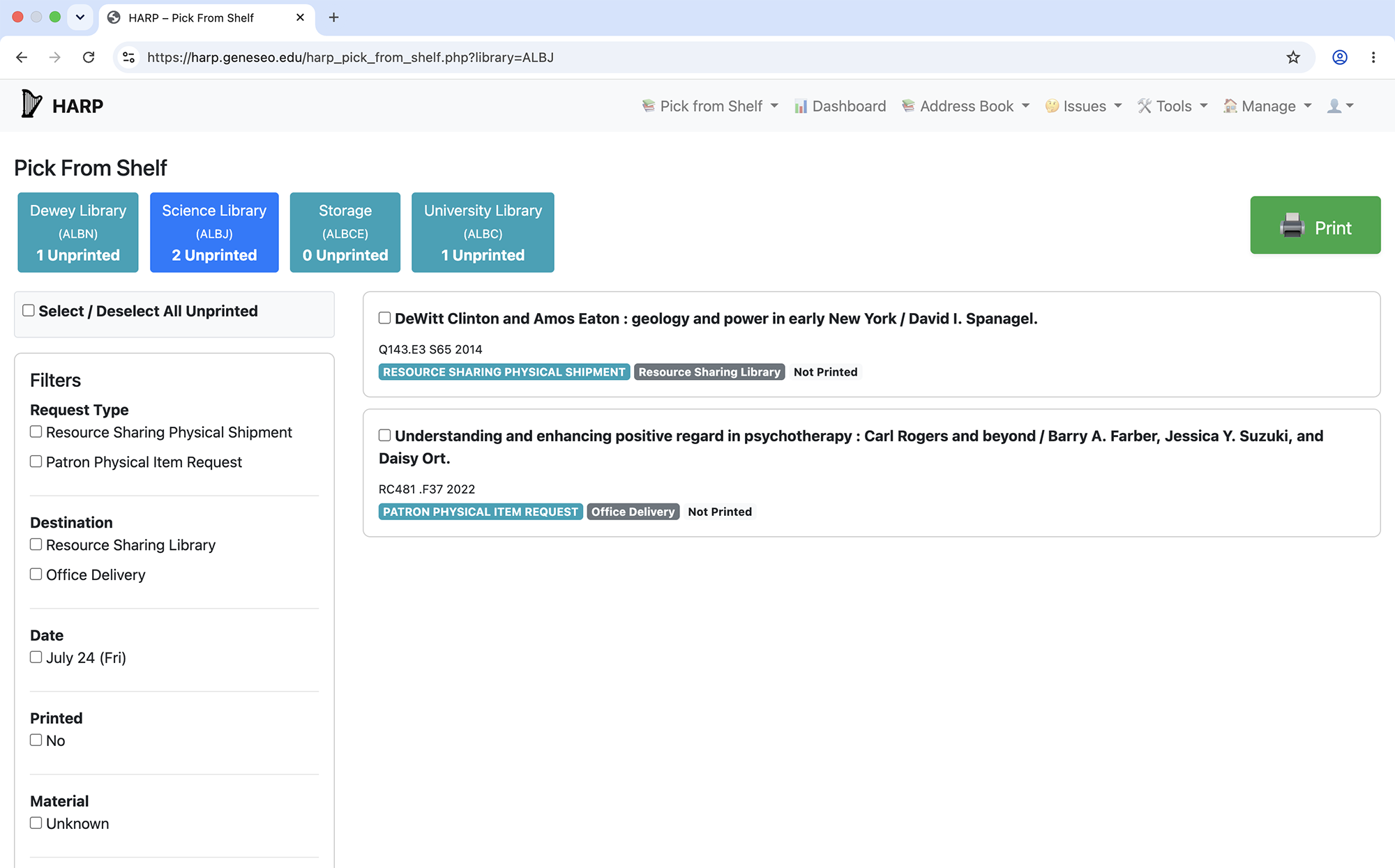
The HARP Pick from Shelf list, showing multiple libraries, facets, and multiple requests
Once the "Print" button is clicked, HARP will begin assembling the pull slips for printing. Upon completion, will present you with a printing dialog box.